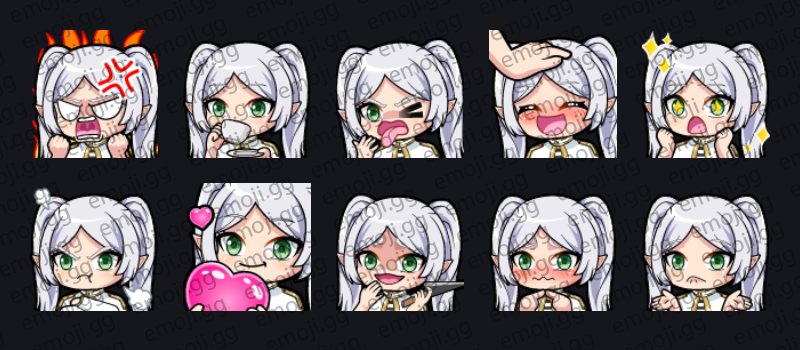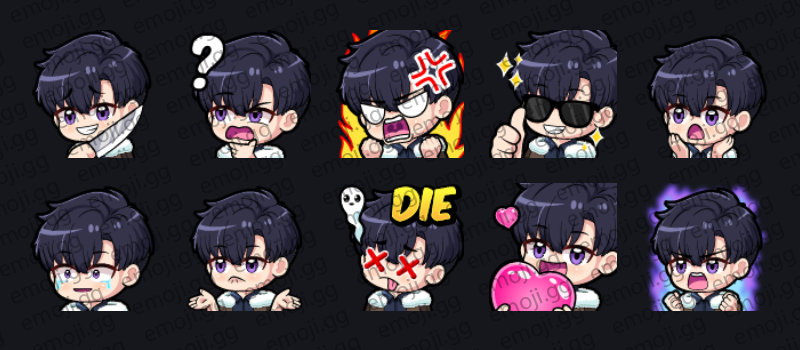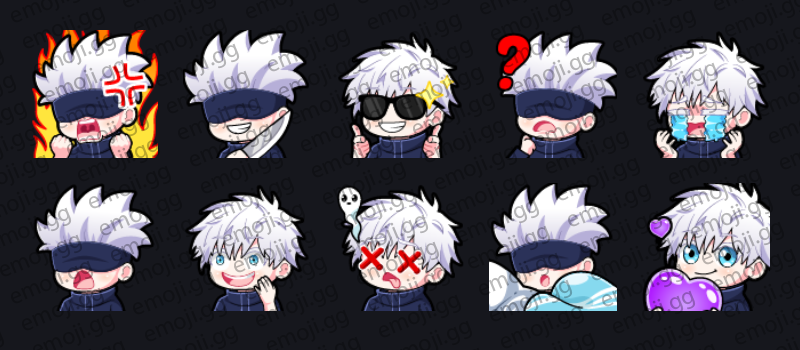
Gojo (Jujutsu Kaisen) Emotes
By Rio
10 Emotes
 Kick Emotes
Browse thousands of premium Kick emotes ready to upload to your channel and engage your audience.
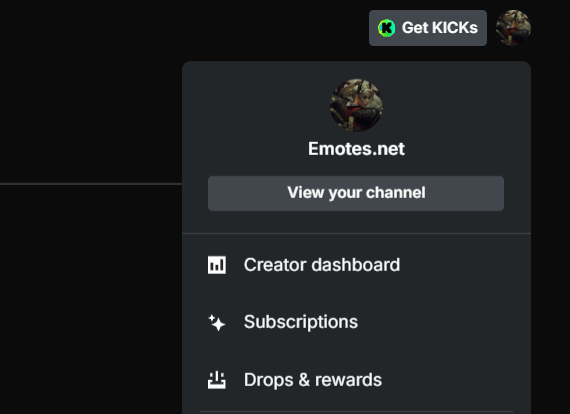
Log into Kick and navigate to your creator dashboard. From here, click on the community then chat option in the sidebar.
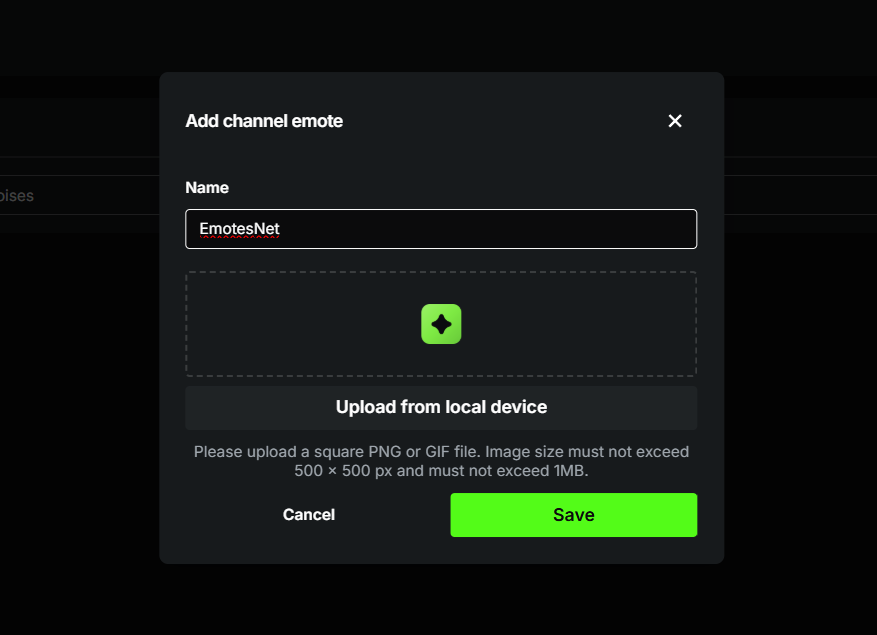
Go to the Emotes section to upload. Kick supports PNG and GIF images. Image size must not exceed 500 x 500 px and must not exceed 1MB.
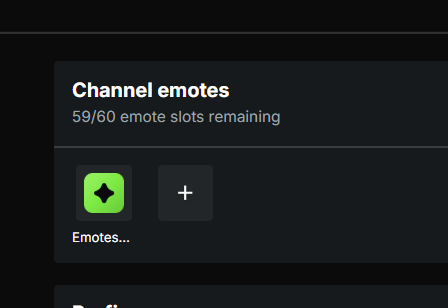
After uploading, save your changes and your emotes will become available for viewers to use in chat.
Before uploading emotes to Kick, make sure your files meet the platforms basic requirements. This helps avoid upload issues and ensures your emotes display properly in chat.
Using a transparent background is recommended for PNG files so your emotes blend naturally into chat. Keeping designs simple and high contrast will also make them easier to see at smaller sizes.
If your file is too large, you can reduce the dimensions or export it with compression to meet the size limit.
Kick emotes can be up to 500 × 500 pixels and must be under 1MB in file size.
Kick supports PNG for static emotes and GIF for animated emotes.
Yes, GIF files are supported, allowing you to upload simple animated emotes.
The number of emotes depends on your channel setup and subscription features.
Its recommended to use transparent backgrounds for PNG emotes so they blend cleanly into chat.