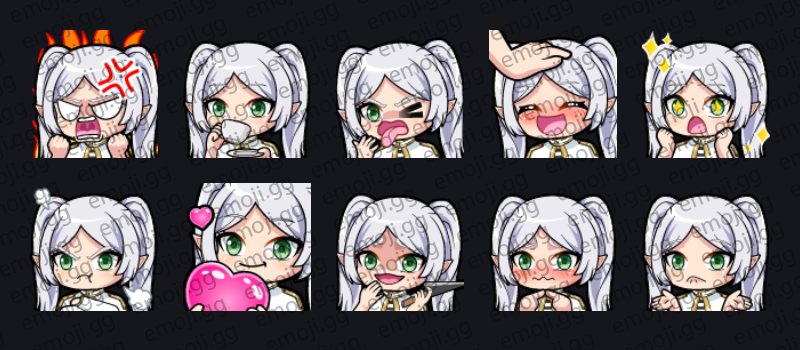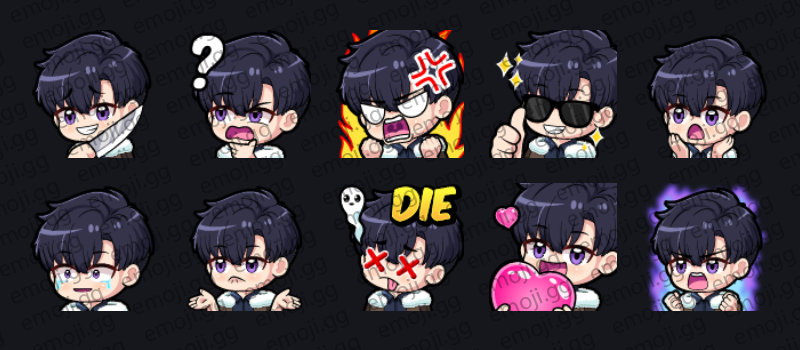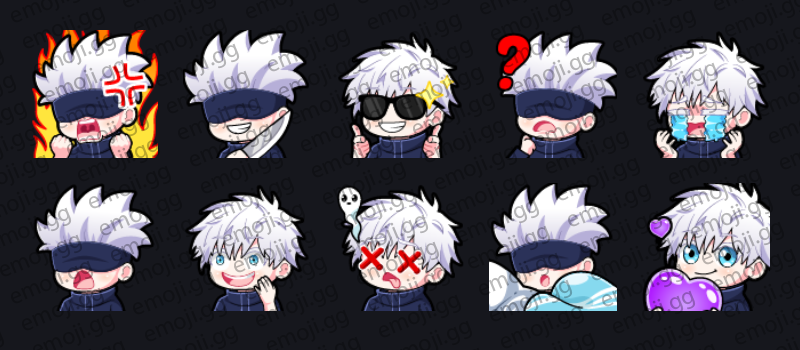
Gojo (Jujutsu Kaisen) Emotes
By Rio
10 Emotes
 Twitch Emotes
Browse thousands of premium Twitch emotes ready to upload to your channel and engage your audience.
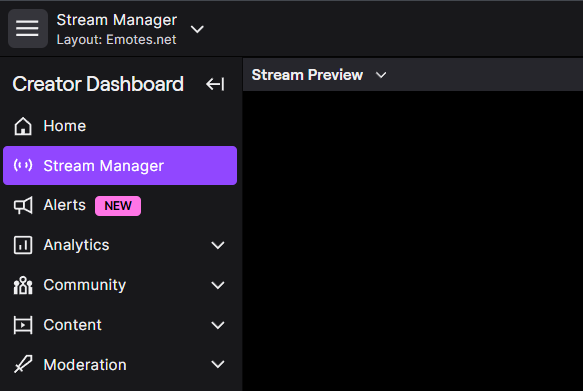
Go to your Twitch Creator Dashboard and open the viewer rewards section.
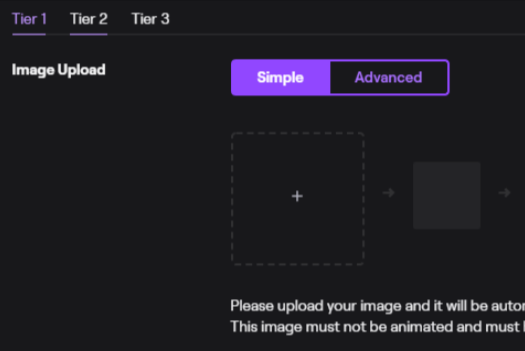
Upload your emotes and assign them to subscriber tiers or slots.
Save changes and your emotes will be available to subscribers in chat.
Twitch requires emotes in multiple sizes to ensure they display properly across chat.
Use transparent backgrounds and clear designs for better readability in chat.
High contrast emotes perform best at smaller sizes.
Twitch requires 28×28, 56×56, and 112×112 pixel versions.
Yes, animated GIF emotes are supported depending on your account level.
Yes, you need Affiliate or Partner status to upload emotes.